MacBook Air
MacBook Air 13" (M2, 2022) · macOS 26.0
87%
Charging
+47.9 W
- Thermistor
- 37.0°C
- Voltage
- 12.41 V
- Current
- 3.85 A
- Cycles
- 312
Battery health98.4%
macOS 13+ · Apple Silicon · MIT
A lightweight floating widget and full battery lab for MacBooks, iPhones, and iPads. Live cells, thermals, and health — without leaving the desktop.
v1.0.0 · 2.7 MB · iPhoneBatteryWidget-Installer.dmg
Desktop
00:00
MacBook Air
MacBook Air 13" (M2, 2022) · macOS 26.0
87%
Charging
+47.9 W
MacBook
iPhone
usbmuxd
Wi-Fi sync
On-device only
Capabilities
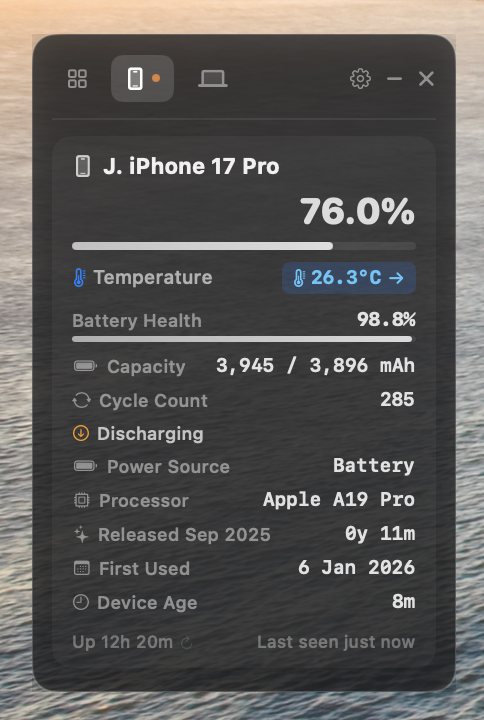
The widget reads IOKit on the Mac and lockdown on iOS. What you see is what the cells are doing — wattage, current, voltage, cycles, and board temperature.
Capacity, wattage, amperage, voltage, and cycle counts for your Mac and every connected iPhone or iPad — at the same time.
Temperature straight from internal sensors, with thermal gradients and high-heat alerts instead of a guessed software reading.
Historical health curves, 24-hour temperature charts, CSV export, and coconutBattery archive import.
Native usbmuxd lockdown for a high-speed cable link, then seamless Wi-Fi sync when you unplug.
MacBook clamshell open and close, work sessions, and screen-on time — logged automatically.
A translucent dark panel that docks anywhere on the desktop and stays readable over whatever you are doing.
Archive
Open the dashboard for degradation curves, cycle history, and a 24-hour thermal trace. Export CSV, or bring in a coconutBattery archive.
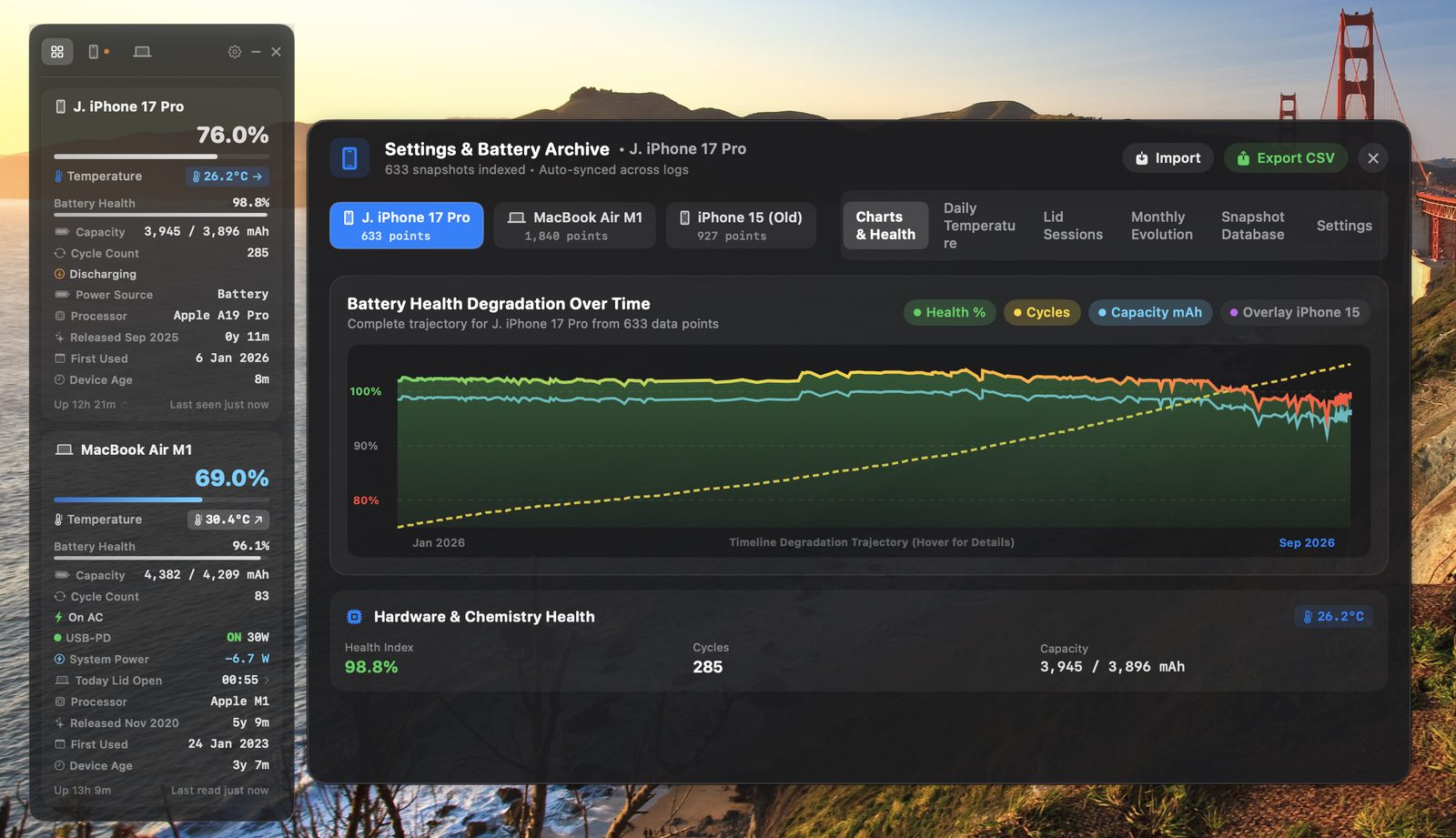
Sample MacBook Air M2 · 312 cycles · coconutBattery-compatible
How it works
01
USB lockdown is the fast path. Unplug and the same session continues over Wi-Fi if the device is paired.
02
IOKit and usbmuxd expose wattage, amperage, voltage, cycle count, and NTC temperature — not a rounded Control Center guess.
03
Every sample lands in a local history log. Chart it, export it, or overlay coconutBattery data. Nothing leaves the machine.
Install
Apple Silicon, macOS 13 or later. Open the disk image and drag iPhone Battery Widget into Applications. Or build from source with Xcode Command Line Tools.
iPhoneBatteryWidget-Installer.dmg · v1.0.0 · 2.7 MB
Build from source
git clone https://github.com/LondonVista/iPhoneBatteryWidget.git
cd iPhoneBatteryWidget
./build.sh --release